BeatGrid
COMING SOON TO THE APP STORE
BeatGrid
Tap. Record. Chain.
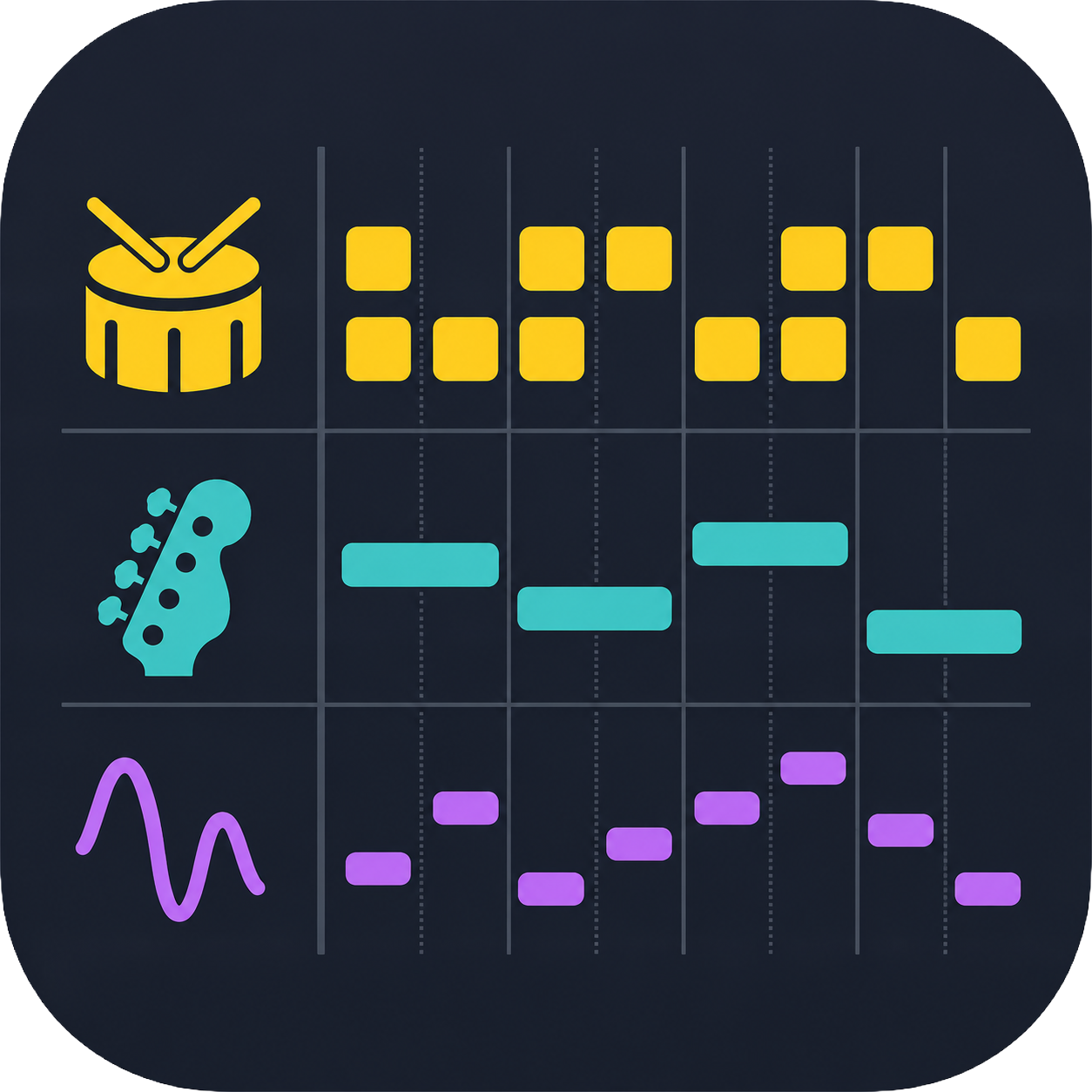
Build beats and basslines on a clear step grid, then play them through your own AUv3 instruments. A step sequencer for iPad with four tracks: drums, bass, synth and lead.
FEATURES
From a first beat to a full song.
Four tracks, eight patterns, your own sounds.
🥁
Four tracks, one grid
Drums on 8 lanes with per-step velocity; bass, synth and lead in a piano roll. One track at a time, full screen, switched with tabs.
🎹
A piano roll that plays chords
Chords of up to 8 notes, tied notes, drag-to-move and one-tap octave transpose.
🔗
Patterns and songs
8 patterns per session, A to H. Chain mode plays the ticked patterns in order, each repeated 1 to 8 times.
📏
A length for every track
Each track has its own loop length: 16, 32, 48 or 64 steps. Pair a one-bar beat with a two-bar bassline or a three-bar lead.
⏺️
Live recording
GRID mode snaps your notes to the step — 1/16, 1/8 or 1/4. CLIP mode records freely, without quantization, on a timeline. Count-in, metronome, undo and redo.
🎛️
Your instruments
BeatGrid hosts AUv3 instruments: load one per track from the AUv3 apps installed on your iPad, open its editor, and balance the tracks with per-track volume and MIDI Learn.
⚡
Quick start
14 ready-made drum styles, from House and Techno to Reggae and Bossa Nova. Random patterns for instant ideas, swing, and tempo from 20 to 400 BPM.
💾
Your work is safe
Patterns, settings and instrument sounds are saved automatically and restored at launch. Export and import sessions as files, sounds included.
GOOD TO KNOW
Bring your own sounds.
BeatGrid does not include sounds of its own. It plays the AUv3 instruments installed on your iPad — synths, drum machines, samplers. A MIDI keyboard is optional: you can tap everything on the grid.
REQUIREMENTS
What you need.
PLATFORM
iPad, in landscape
OS
iPadOS 16.0 or later
INSTRUMENTS
AUv3 instruments, installed separately
MIDI KEYBOARD
Optional
INTERNET
Not required
LANGUAGES
English and French
FAQ
Common questions.
Does BeatGrid include sounds?
No. BeatGrid is a sequencer: it plays the AUv3 instruments installed on your iPad. Tap a slot in the instrument panel at the bottom of the screen to load one for each track.
Which instruments can I use?
AUv3 instruments. Tap a slot, then “Scan installed AUv3s” under the list: BeatGrid shows the Audio Unit instruments it finds on your iPad.
Do I need a MIDI keyboard?
No. You can tap every pattern on the grid. With a keyboard, you can also record live and play any track: turn on MON on the track you want to hear.
What is the difference between GRID and CLIP?
They are two ways to record on the bass, synth and lead tracks. In GRID mode, notes snap to the step and you edit them in the piano roll. In CLIP mode, you record freely, without quantization, and every note is shown on a timeline.
How do I chain patterns into a song?
Tick the patterns to include, under their letters, then turn CHAIN on: they play in order. Long-press a letter to set how many times that pattern repeats, from 1 to 8.
Is my work saved?
Yes. Your patterns, settings and instrument sounds are saved automatically and restored at launch. Use SAVE and LOAD to export and import a session as a file, sounds included.